
-
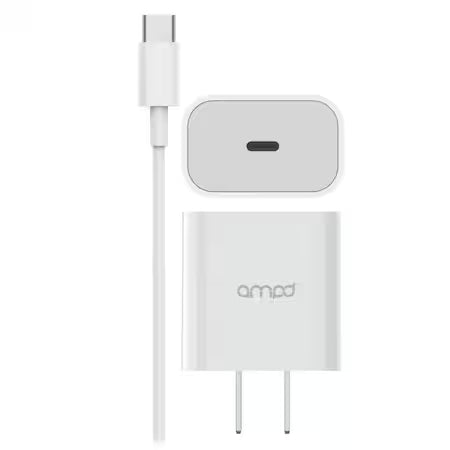
AMPD Volt Plus 2in1 USB-C 3A Wall Head with USB-C to USB-C Cable - White
Regular price $24.99 CADRegular price -
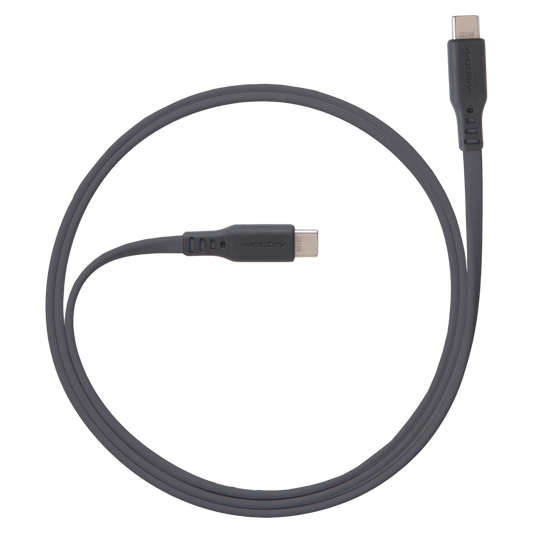
Ventev Charge & Sync USB-C to USB-C Cable 6ft Flat High Speed 2X Copper Fast Charge Reinforced Connector - Box - Gray
Regular price $36.99 CADRegular price -
Ventev Charge & Sync USB-C to USB-A Cable 6ft Braided High Speed 2X Copper Fast Charge Reinforced Connector - Box - Gray
Regular price $26.99 CADRegular price -
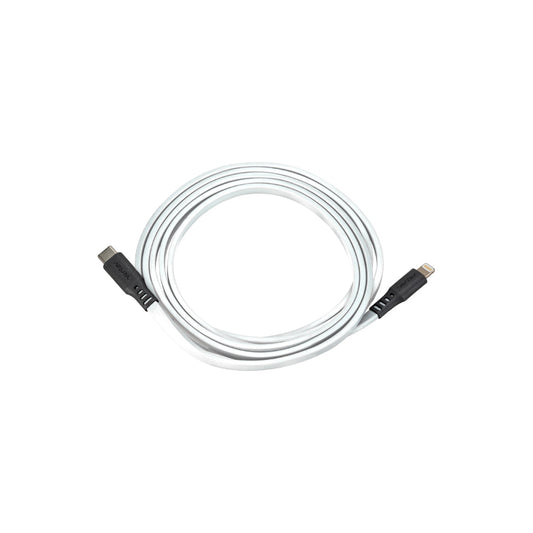
Ventev Charge & Sync Lightning MFI to USB-C Cable 6ft Flat - White
Regular price $37.99 CADRegular price -
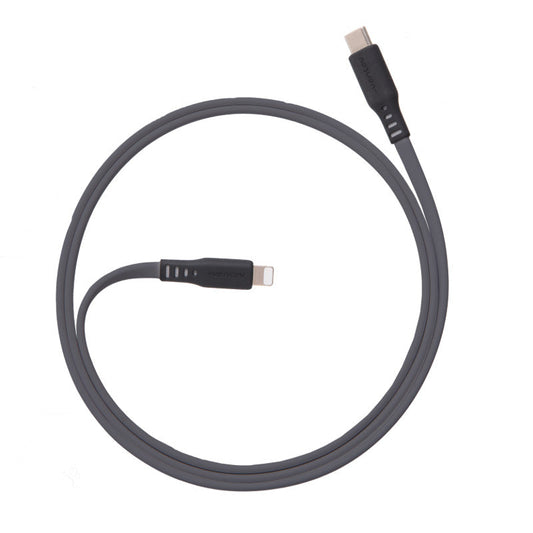
Ventev Charge & Sync Lightning MFI to USB-C Cable 6ft Flat - Gray
Regular price $37.99 CADRegular price -
Ventev Charge & Sync Lightning MFI to USB-C Cable 3.3ft Flat - Box - Gray
Regular price $29.99 CADRegular price -
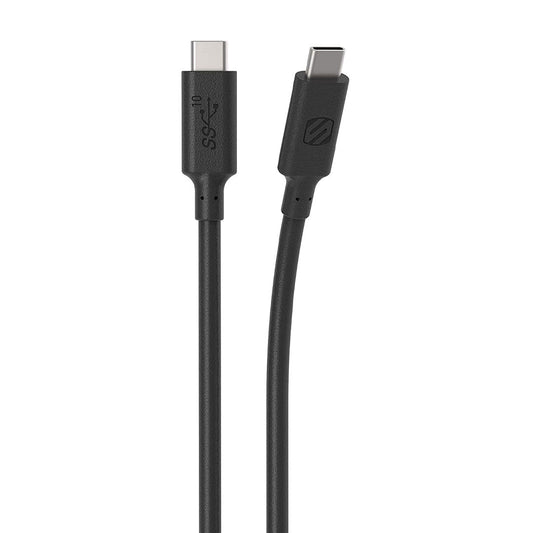
Scosche Charge & Sync USB-C to USB-C Cable 3.1 3ft 10Gbps StrikeLINE Black
Regular price $17.99 CADRegular price -
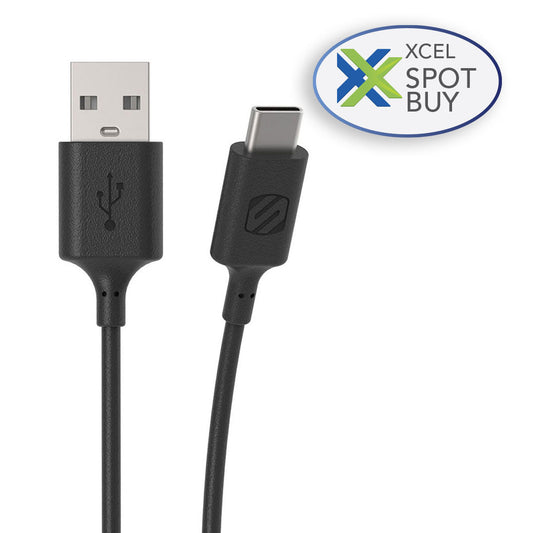
Scosche Charge & Sync USB-C to USB-A 2.0 3ft Cable Black Strikeline
Regular price $9.99 CADRegular price -
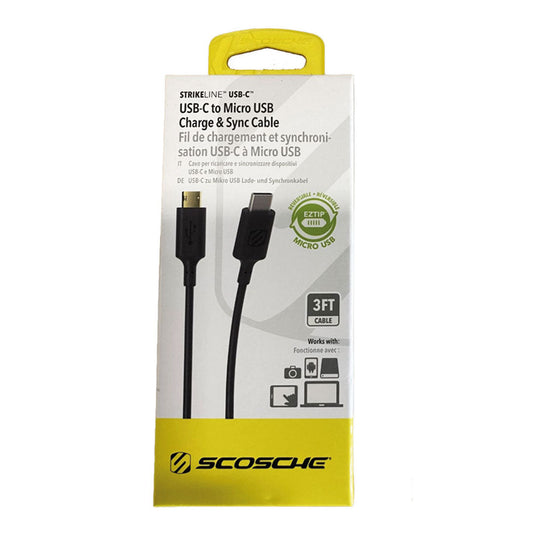
Scosche Charge & Sync USB-C to Micro USB Cable 3ft Black StrikeLINE
Regular price $9.99 CADRegular price -
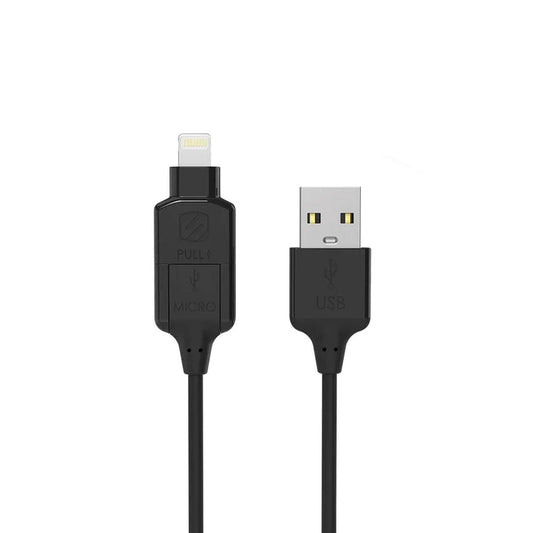
Scosche Charge & Sync Lightning/Micro USB to USB-C MFI Cable 3ft Black Strikeline
Regular price $14.99 CADRegular price -
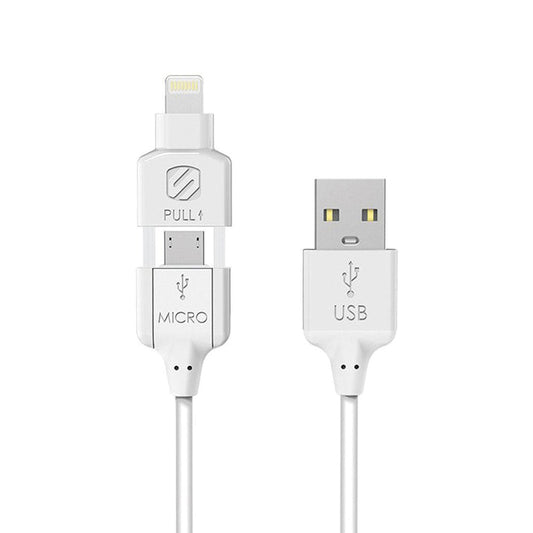
Scosche Charge & Sync Lightning/Micro USB MFI to USB-C Cable 3ft White Strikeline
Regular price $14.99 CADRegular price -
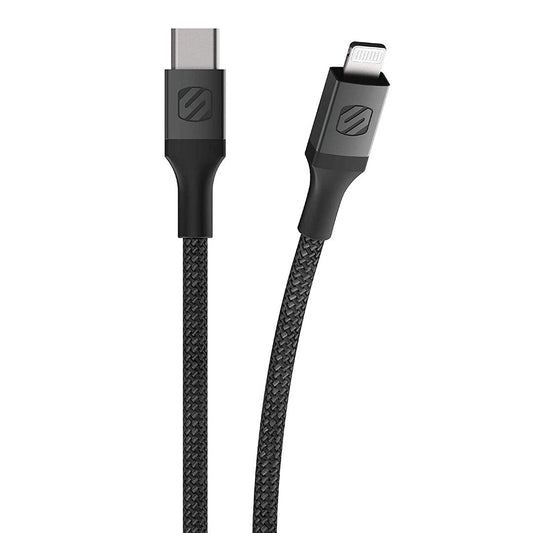
Scosche Charge & Sync Lightning to USB-C MFI Braided Cable Strikeline Premium 6ft Space Grey
Regular price $19.99 CADRegular price -
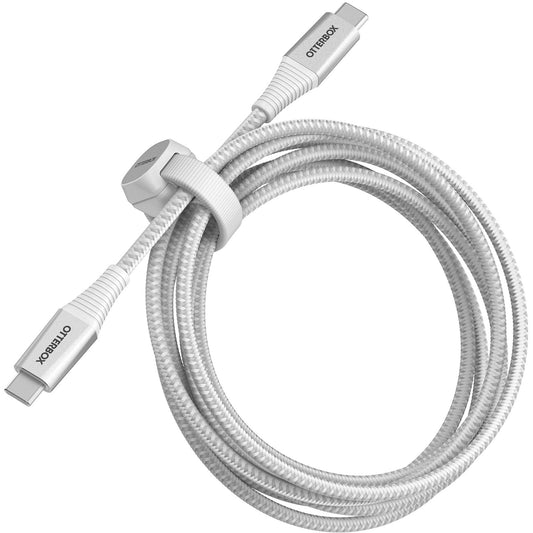
OtterBox Charge & Sync USB-C to USB-C Premium Pro Power Delivery Cable 6ft - Ghostly Past White
Regular price $34.99 CADRegular price -
Naztech Charge & Sync USB-C to USB-C 240W DigiWatt Fast Charge Cable with LED Power Display 6ft PD Industrial Strength Braided - Black
Regular price $30.99 CADRegular price -
Naztech Charge & Sync USB-C to USB-C 240W DigiWatt Fast Charge Cable with LED Power Display 12ft PD Industrial Strength Braided - Black
Regular price $39.99 CADRegular price -
Naztech Charge & Sync USB-C to USB-A Titanium Braided Ballistic Nylon Cable 6ft Fast Charge Reinforced Metal Alloy Connectors - White
Regular price $19.99 CADRegular price -
Naztech Charge & Sync USB-C to USB-A Titanium Braided Ballistic Nylon Cable 6ft Fast Charge Reinforced Metal Alloy Connectors - Black
Regular price $19.99 CADRegular price -
Naztech Charge & Sync PD USB-C to USB-C Titanium Braided Ballistic Nylon Cable 6ft PD up to 60W Fast Charge Reinforced Metal Alloy Connectors - White
Regular price $26.99 CADRegular price -
Naztech Charge & Sync PD USB-C to USB-C Titanium Braided Ballistic Nylon Cable 6ft PD up to 60W Fast Charge Reinforced Metal Alloy Connectors - Black
Regular price $26.99 CADRegular price -
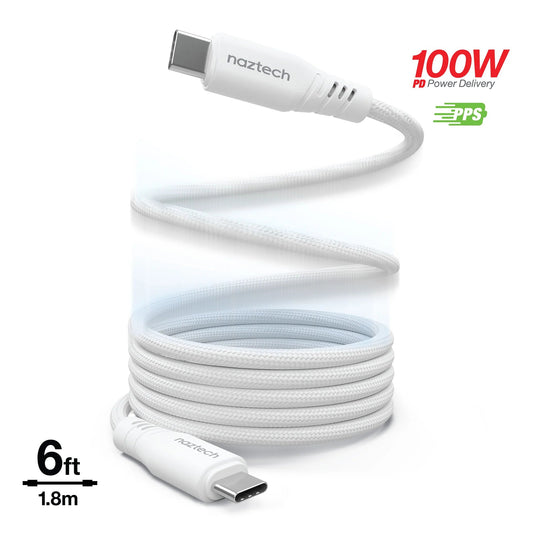
Naztech Charge & Sync PD 100W USB-C to USB-C REcoil Magnetic Industrial Strength Braided Nylon Cable 6ft Fast Charge Recoils on its own - White
Regular price $26.99 CADRegular price -
Naztech Charge & Sync PD 100W USB-C to USB-C REcoil Magnetic Industrial Strength Braided Nylon Cable 6ft Fast Charge Recoils on its own - Black
Regular price $26.99 CADRegular price -
Naztech Charge & Sync Lightning MFI to USB-C Titanium Braided Ballistic Nylon Cable 6ft Fast Charge Reinforced Metal Alloy Connectors - White
Regular price $35.99 CADRegular price -
Naztech Charge & Sync Lightning MFI to USB-C Titanium Braided Ballistic Nylon Cable 6ft Fast Charge Reinforced Metal Alloy Connectors - Black
Regular price $35.99 CADRegular price -
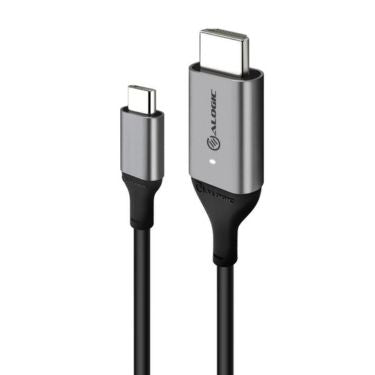
Alogic USB-C to HDMI 6ft Cable 4K Ultra HD with Smart LED - Space Grey
Regular price $49.99 CADRegular price

















How to choose the best USB-C cable
USB-C cables look the same on the outside but differ a lot on the inside. Check three things before you buy.
1. Charging power (watts).
- Up to 60W: enough for phones, tablets and most small laptops.
- 100W: for larger laptops and fast-charging power banks.
- 240W: the newest USB-C standard, for high-power laptops. The Naztech DigiWatt cable even shows live wattage on a built-in LED display.
2. Data speed. Most charging cables transfer data at 480Mbps (USB 2.0), which is fine for syncing a phone. To move large files to an external SSD, choose a 10Gbps or 20Gbps cable, such as the Scosche StrikeLINE 3.1 or Alogic Fusion.
3. Connector and length. Match both ends: USB-C to USB-C for newer chargers, USB-C to USB-A for older bricks and car ports, or Lightning to USB-C for older iPhones. Short 3ft cables are tidy on a desk. 6ft to 15ft cables reach from the wall to your bed or couch.
Durability. Braided nylon, alloy and reinforced-connector cables resist fraying far better than basic rubber cables. Several lines here are MFi certified for Apple devices.
USB-C cable FAQ
Do I need a special cable for fast charging?
For phones, most quality USB-C to USB-C cables support fast charging. For laptops over 60W, you need a cable rated for 100W or 240W.
Can a USB-C cable connect my laptop to a monitor?
Only if it supports video. For that, use a dedicated USB-C to HDMI or USB-C to DisplayPort cable. See our HDMI adapters.