
-
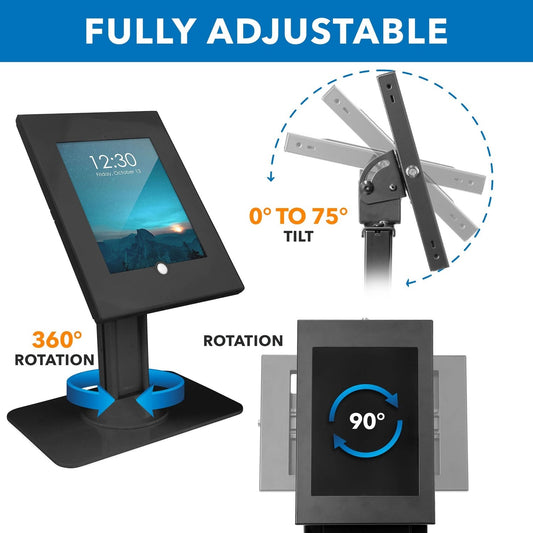
Mount-It! iPad Countertop Stand Anti-Theft Lockable iPad 10.9 10.2 Pro 11 Air Models
Regular price $99.99 CADRegular price -
Joy Factory Mount MagConnect Forklift Mounting Kit for Cell Phone / Tablet Carbon Fiber Arm
Regular price $269.99 CADRegular price -
Joy Factory Mount MagConnect Magnet Single Arm Mount Only Carbon Fiber Arm
Regular price $186.99 CADRegular price -
Mount-It! Wall Mount Enclosure iPad 12.9 Pro 1st & 2nd Gen
Regular price $134.99 CADRegular price -
Phone Stand Pop & Lock Mixed Styles - 20 PK
Regular price $7.99 CADRegular price -
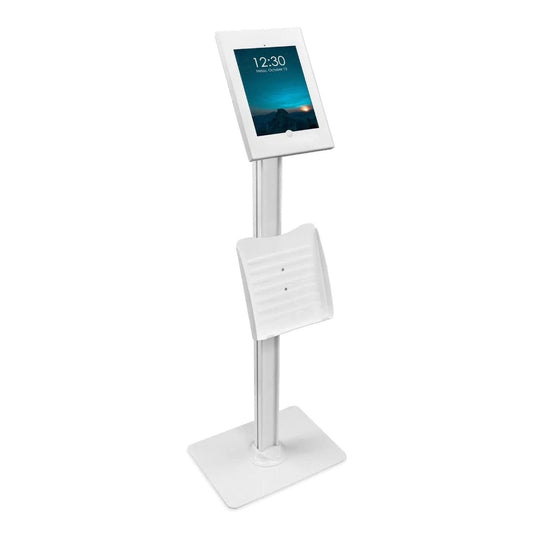
Mount-It! Tablet Floor Stand Kiosk with Document Holder Fits iPads up to 11In Rotating & Tilting Head Lockable Enclosure Heavy Duty Stand
Regular price $179.99 CADRegular price -
Naztech Laptop Mount for Phones & Tablets MagBuddy Elite Includes 2 Metal Plates 360 Degree Swivel - Black
Regular price $30.99 CADRegular price -
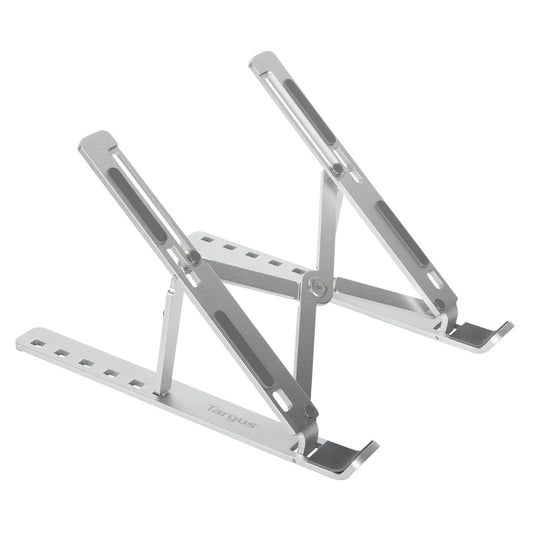
Targus Laptop/Tablet Portable Stand Ergonomic Aluminum Fits 10 - 15in Screens Foldable with Pouch - Silver
Regular price $34.99 CADRegular price -
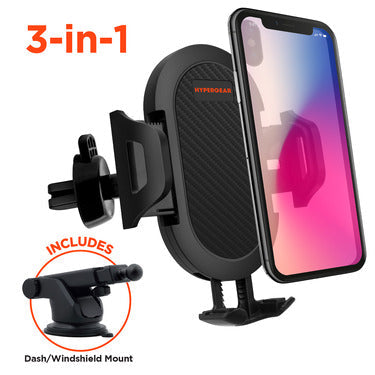
HyperGear Car Mount Universal Vent - Dashboard - Windshield Adjustable Grips Easy Release Button Adjustable Swivel Base Extends to 3.5In Wide - Black
Regular price $29.99 CADRegular price -
HyperGear Car Mount Universal Cup Holder Adjustable Grips Easy Release Button Adjustable Swivel Base Extends to 3.5In Wide 360 Degree Rotating Base - Black
Regular price $22.99 CADRegular price -
iJoy Universal Phone Grip/Car Vent Mount Rose Gold
Regular price $2.99 CADRegular price -
StarTech Tablet Holder Desktop Locking for 7.9-13 Tablets Adjustable with 6ft Cable Lock - Black
Regular price $148.99 CADRegular price -
Monet Universal Phone Wallet RFID with kickstand White
Regular price $7.99 CADRegular price -
Monet Universal Phone Wallet RFID with kickstand Baby Blue
Regular price $7.99 CADRegular price -
Klipxtreme Car Headrest Mount with Extension Arm Mobile Devices up to 14In Tablet or Phone 360 Deg Rotation 210 Deg Tilt Tool Free Install - Black
Regular price $35.99 CADRegular price -
Klipxtreme Car Headrest Mount Mobile Devices up to 14In Tablet or Phone 360 Deg Rotation 210 Deg Tilt Tool Free Install Foldable Hanger - Black
Regular price $26.99 CADRegular price -
Killer Concepts Smart Phone Flip Stand Multiple Angles with Concealed Mirror - Magnetic Mount Compatible - Rose Gold - Single
Regular price $9.99 CADRegular price -
Killer Concepts Smart Phone Flip Stand Multiple Angles with Concealed Mirror - Magnetic Mount Compatible - Gold - Single
Regular price $9.99 CADRegular price -
iBOLT Tablet Holder 7-10 Inch Universal Tablet TabDock Fixed Mount Pro 360
Regular price $59.99 CADRegular price -
Fuse Car Universal Vent Clip Mount Adjustable & Fits up to 3.5 Inches Wide with 360° Rotation for Various Viewing Angles - Black
Regular price $2.99 CADRegular price













How to choose a phone or tablet mount
1. Start with where it goes.
- In the car: vent clips and dashboard or windshield mounts keep a phone in view for navigation. Headrest mounts from Klipxtreme hold phones and tablets up to 14 in for back-seat passengers. HyperGear also makes a cup-holder mount.
- On a counter or desk: locking stands from Mount-It! and StarTech secure an iPad or tablet for point-of-sale, check-in or kiosk use. The iBOLT TabDock holds 7 to 10 in tablets.
- On the floor or wall: the Mount-It! floor kiosk and wall enclosure turn a tablet into a self-serve station.
- In your hand: flip stands, pop grips and wallet kickstands from Killer Concepts, Monet and Xcel make a phone easier to hold and prop up.
2. Check the size range. Universal holders list the phone width or tablet size they grip. Enclosures and locking stands fit specific iPad models, so confirm yours is listed on the product page.
3. Decide if it needs to lock. For public spaces, choose a lockable stand or enclosure. The StarTech locking holder includes a 6 ft cable lock.
Mount FAQ
Is it legal to mount my phone in the car in Canada?
Rules vary by province. Most allow hands-free use with the phone securely mounted, as long as you don't hold or type on it while driving. Check your province's distracted-driving rules.
Will a car mount fit my iPad?
Phone vent clips won't, but headrest mounts rated up to 14 in hold most iPads and tablets.
Which tablet stand is best for a store counter?
A lockable countertop stand with a rotating head lets you turn the screen toward the customer at checkout and lock it when the store is closed.