
-
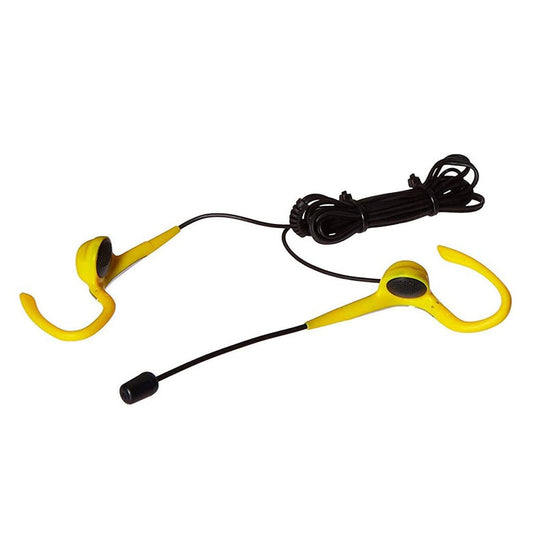
Headset Stereo with Boom Mic - Wrap Around Ear Wired 3.5mm - Yellow & Black Bulk
Regular price $9.99 CADRegular price -
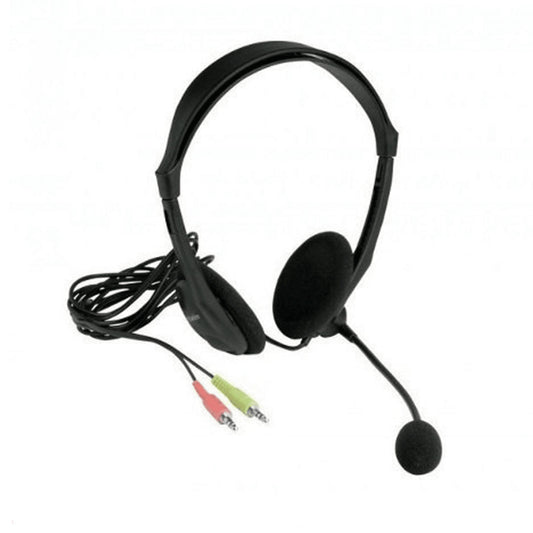
Xtech Headset Stereo with Boom Mic Volume Control Black 2 x 3.5mm Plugs for Mic & Audio 6ft Cord Light Weight - Black
Regular price $9.99 CADRegular price -
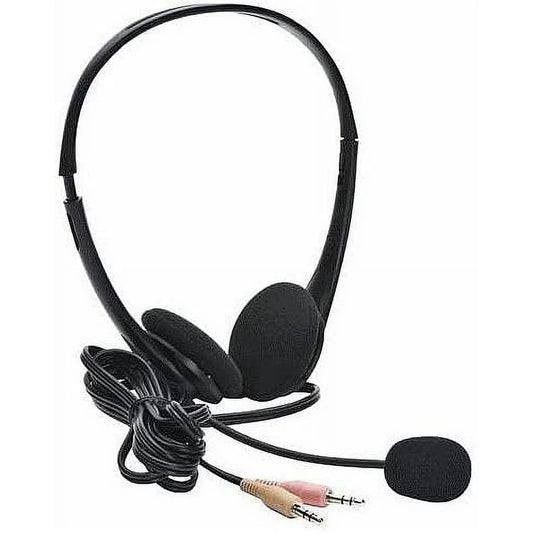
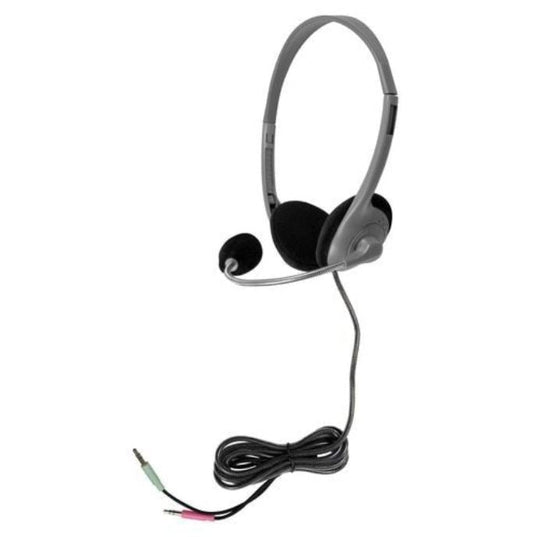
Headset Stereo Wired with Boom Mic 2x 3.5mm Jacks with Adapter to 1x 3.5mm to Connect to Single 3.55 Jack (BULK)
Regular price $9.99 CADRegular price -
Koss Headphone KPH7 Portable On Ear Blue 3.5mm
Regular price $12.99 CADRegular price -
Koss Headphone KPH7 Portable On Ear Red 3.5mm
Regular price $12.99 CADRegular price -
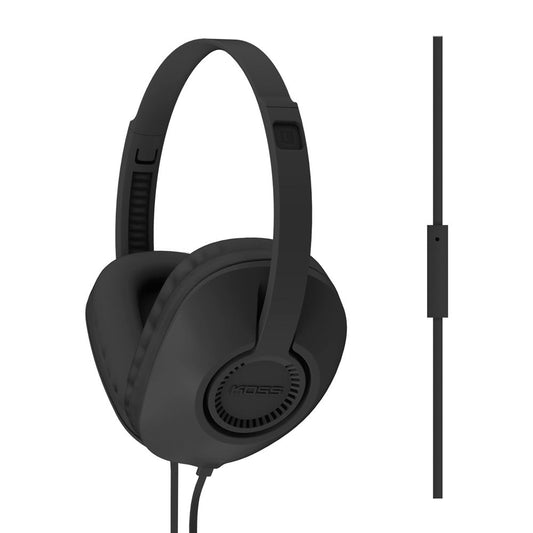
Koss Headphone On Ear 3.5mm Portable with Volume Control BULK 8ft Long Cord - Black
Regular price $16.99 CADRegular price -
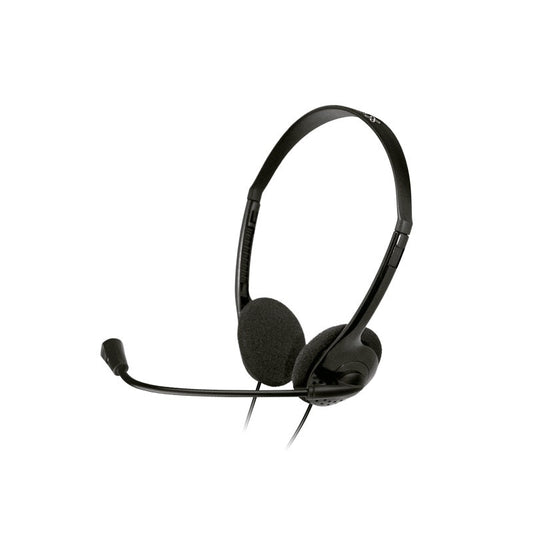
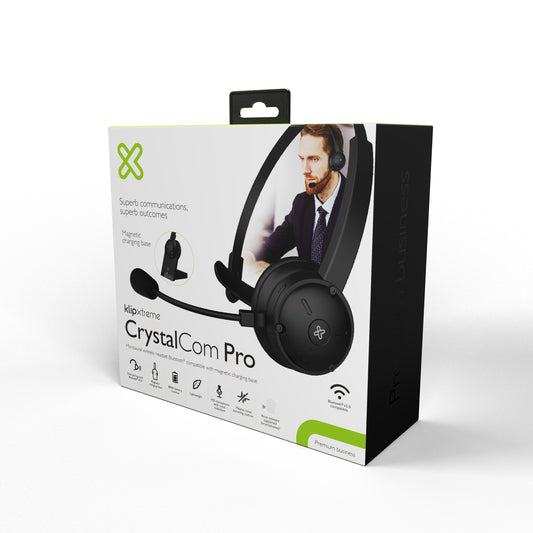
Klipxtreme Headset Stereo with Boom Mic 3.5mm Omnidirectional Inline Volume Control - Black
Regular price $16.99 CADRegular price -
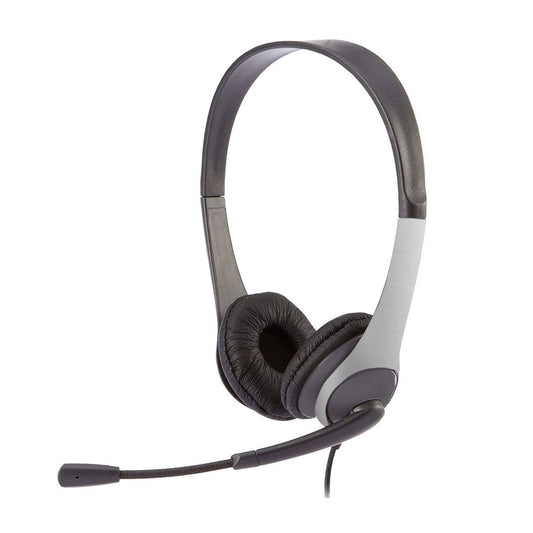
Headset Stereo with Boom Mic USB Adjustable On Ear - Black & Silver Bulk
Regular price $17.99 CADRegular price -
Headset Stereo with Boom Mic USB Adjustable On Ear - Black Bulk
Regular price $17.99 CADRegular price -
HamiltonBuhl On Ear Headphones For ALS700 System
Regular price $17.99 CADRegular price -
HamiltonBuhl Headphone SchoolMate On-Ear with vol Control Dura-Cord Silver 3.5mm
Regular price $19.99 CADRegular price -
HamiltonBuhl Headset On Ear Deluxe with Gooseneck Mic Dura-Cord 3.5mm
Regular price $19.99 CADRegular price -
Adesso Headset Stereo with Boom Mic Dual 3.5mm with Inline Volume Control - Black
Regular price $19.99 CADRegular price -
Quikcell Edge Mini Bluetooth 3.0 Headset Pink with Mic
Regular price $21.99 CADRegular price -
Adesso Headset Stereo with Boom Mic 3.5mm Multi-Media Volume and Call Controls Comfortable Adjustable Headband - Black
Regular price $24.83 CADRegular price$29.99 CADSale price $24.83 CADSale -
HamiltonBuhl Headset On Ear Personal Sized In-Line Volume & Mic 3.5mm TRRS Plug Dura-Cord
Regular price $26.99 CADRegular price -
Klipxtreme Headset Sekual Stereo USB with Boom Mic Omnidirectional Inline Vol Control - Black
Regular price $26.99 CADRegular price -
HamiltonBuhl Headset On Ear Favoritz with Mic Dura-Cord Grey 3.5mm
Regular price $27.99 CADRegular price -
HamiltonBuhl Headphones Primo Dura-Cord 5ft 3.5mm - Blue
Regular price $27.99 CADRegular price -
HamiltonBuhl Headphone Deluxe Over Ear Adjustable Headband Dura-Cord Chew Resistant 5ft 3.5mm - Silver
Regular price $28.99 CADRegular price -
HamiltonBuhl Headphone 3.5mm TRS Smart-Trek Mini with Vol Control
Regular price $29.99 CADRegular price -
Koss Headphone UR23i FullSize with Inline Mic Black 3.5mm
Regular price $29.99 CADRegular price -
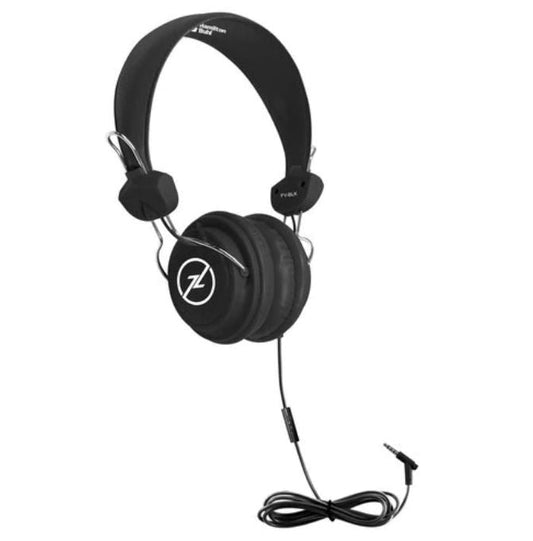
HamiltonBuhl Headset On Ear Favoritz with Mic Dura-Cord Black 3.5mm
Regular price $30.99 CADRegular price -
HamiltonBuhl Headset On Ear with In-Line Mic TRRS Blue 3.5mm
Regular price $30.99 CADRegular price






















How to choose headphones or a headset
1. Headphones or headset? A headset adds a microphone, usually on a boom arm, for calls, meetings and online classes. Headphones are built for listening, though many Bluetooth models include a built-in mic for calls.
2. Choose the connection.
- USB and USB-C headsets plug straight into a computer and are the simplest choice for Zoom, Teams and call centres. Adesso, Koss, Klipxtreme and HamiltonBuhl make these.
- 3.5mm wired headphones work with phones, tablets and Chromebooks that have a headphone jack, with no charging needed.
- Bluetooth headphones from JBL, HyperGear, Naztech and Klipxtreme are wire-free, and several add active noise cancellation (ANC) to block out flights and busy offices.
3. Pick a style. Over-ear models surround your ears for comfort and isolation. On-ear models are lighter and more portable. Shokz open-ear models leave your ears uncovered so you stay aware of your surroundings.
For schools: HamiltonBuhl offers durable classroom headphones with reinforced Dura-Cord cables, lab packs and listening centres, and Koss has education models.
Headphone FAQ
What is the difference between noise cancelling and noise isolating?
Noise isolating means the ear cushions physically block sound. Active noise cancelling (ANC) also uses microphones and electronics to cancel low, steady noise like engines and air conditioning.
Will a USB headset work with my Mac and PC?
Most USB headsets are plug-and-play on Windows, macOS and Chromebook. If your computer only has USB-C ports, choose a USB-C headset or use an adapter.
Are there headphones safe for kids?
Yes. Look for volume-limiting models such as the Nabi over-ear headphones, which help protect young ears.