
-
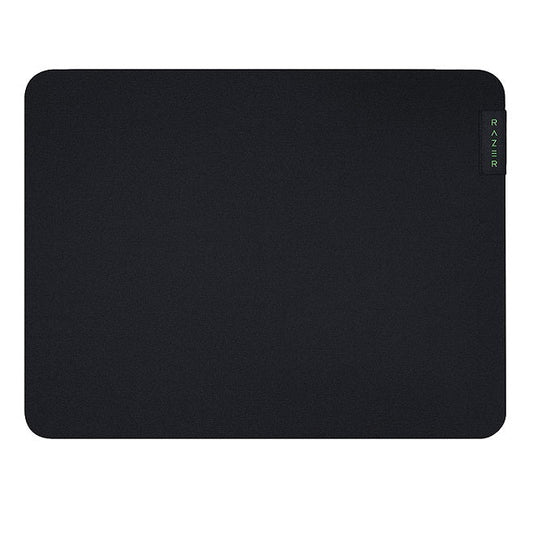
Razer Gaming Mousemat Gigantus v2 Cloth Medium Anti Slip Base Thick High Density Foam - Black
Regular price $14.99 CADRegular price -
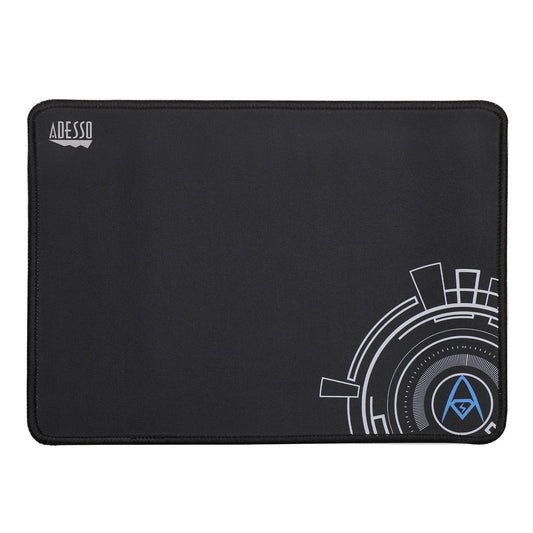
Adesso Universal Mouse Pad Elastic Fibre Anti-Slip 9in x 7in
Regular price $6.99 CADRegular price -
Adesso Universal Mouse Pad - Black
Regular price $17.60 CADRegular price$20.69 CADSale price $17.60 CADSale -
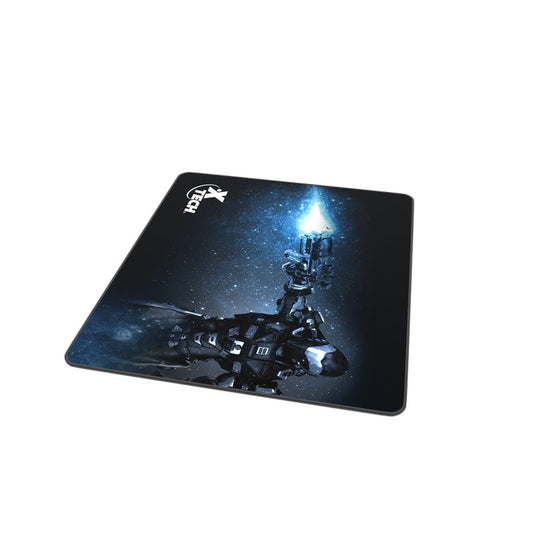
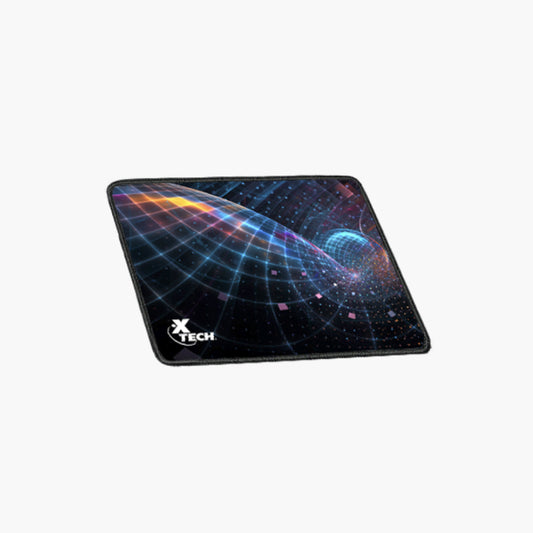
Xtech Gaming Mouse Pad Soft Cloth Slip Resistant Rubber 11.3in x 10in
Regular price $9.99 CADRegular price -
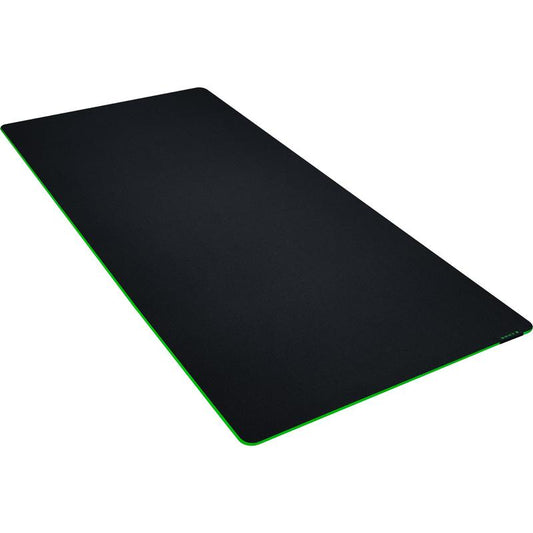
Razer Gaming Mousemat Gigantus V2 XXL Thick Anti-Slip Black
Regular price $44.99 CADRegular price -
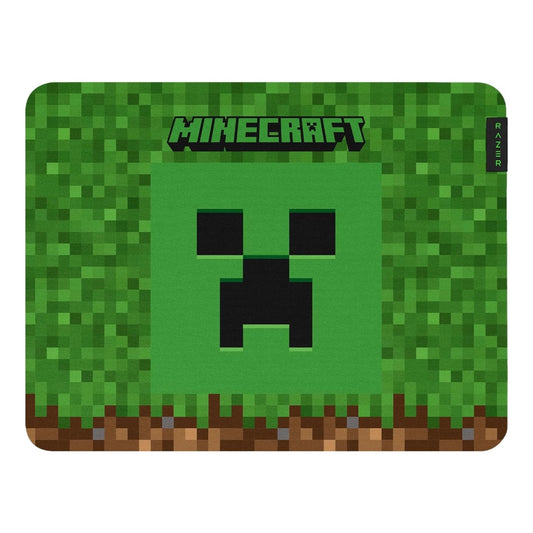
Razer Gaming Mousemat Gigantus V2 Medium Thick Anti-Slip - Minecraft Edition
Regular price $44.99 CADRegular price -
Razer Gaming Mousemat Gigantus V2 Large Thick Anti-Slip Black
Regular price $24.99 CADRegular price -
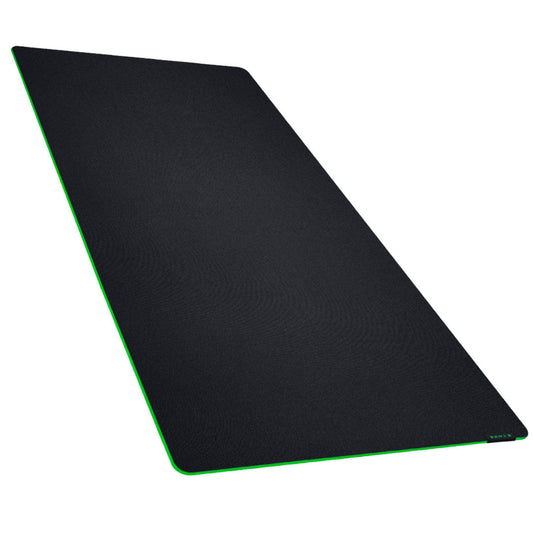
Razer Gaming Mousemat Gigantus V2 3XL Thick Anti-Slip Black
Regular price $69.99 CADRegular price -
Primus Gaming Mouse Pad Arena XXL 35in x 16.5in Soft Cloth In Game Speed & Precision Anti Slip Rubber Backing Hand Washable - Black
Regular price $38.99 CADRegular price -
Primus Gaming Mouse Pad Arena Medium 12.6 x 10.6In Soft Cloth In Game Speed & Precision - Black
Regular price $17.99 CADRegular price -
Xtech Mouse Pad Colonist Classic Slip Resistant Rubberized Base - Black
Regular price $4.99 CADRegular price -
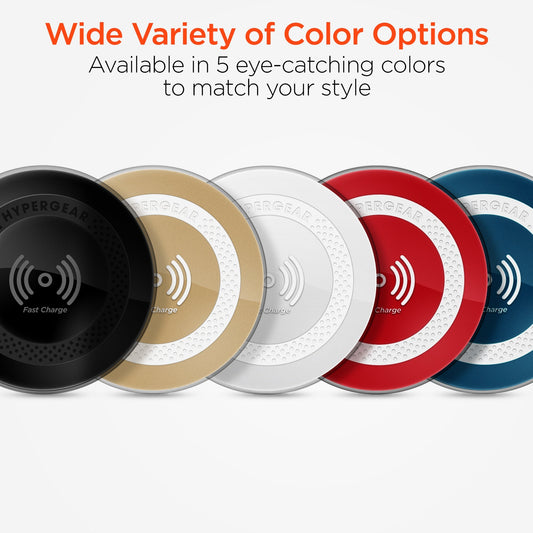
HyperGear Gaming Mouse Pad XL RGB LED 11 Modes with Qi Charge Pad 15w Fast Charge Water Resistant Coating with Braided USB-C Cable
Regular price $69.99 CADRegular price -
Xtech Mouse Pad Voyager Classic Slip Resistant Rubberized Base - Blue
Regular price $4.99 CADRegular price -
Xtech Mouse Pad Gel with Wrist Support Right Hand Black
Regular price $13.99 CADRegular price -
Xtech Gaming Mouse Pad Gel with Wrist Support Right Hand - Pink
Regular price $14.99 CADRegular price -
Klipxtreme Mouse Pad Gel Non Slip Rubberized Base Washable Comfortable & Durable - Black
Regular price $14.99 CADRegular price













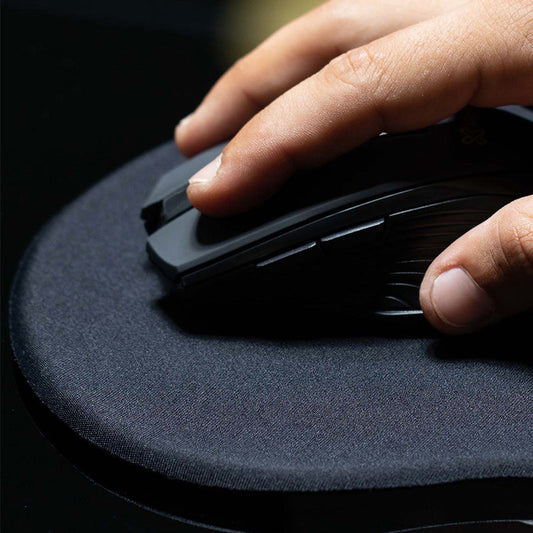
How to choose a gaming mouse pad
1. Pick the size for how you aim.
- Medium pads (around 12 x 10 in) suit wrist aimers and small desks.
- Large and XL pads give arm aimers room for big sweeps at low sensitivity.
- XXL and extended desk mats, such as the Primus Arena XXL (35 x 16.5 in) and Razer Gigantus V2 XXL, sit under both your keyboard and mouse so nothing slides around.
2. Choose a surface. Cloth pads like Razer Gigantus V2 and Primus Arena balance speed and control and work with any optical or laser mouse. Thicker foam adds comfort and evens out an uneven desk.
3. Check the base. A rubberized anti-slip base stops the pad from creeping during fast flicks. Most pads in this collection have one.
4. Consider extras. Razer Goliathus Chroma Extended and the HyperGear XL add RGB lighting, and the HyperGear XL also has a built-in 15W Qi wireless charging pad for your phone. Gel pads from Xtech (with a built-in wrist rest) and Klipxtreme add comfort during long work sessions.
Mouse pad FAQ
Does a mouse pad really make a difference?
Yes. A pad gives the sensor a consistent texture, which means smoother, more accurate tracking than a bare desk, and it protects the desk and mouse feet.
How do I clean a cloth mouse pad?
Hand wash it in lukewarm water with mild soap, rinse well and let it air dry flat. Avoid washing pads that have RGB lighting or wireless charging built in; wipe those with a damp cloth.
What size desk mat do I need?
Measure the space from the left edge of your keyboard to the far edge of your mouse movement. For most full-size keyboards, a mat around 35 in wide fits both.