
-
Mount-It! TV Wall Mount Full Motion up to 42 In Vesa Removable TV Mounting Plate to Easily Move TV Heavy Duty Steel
Regular price $44.99 CADRegular price -
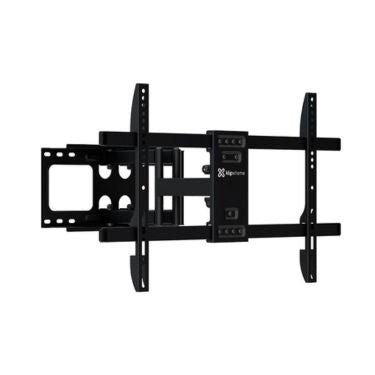
Klipxtreme TV Mount Full Motion 32 - 90In Flat or Curved TV Max 132lbs Tilt & Swivel Built in Leveler Dual Arms Heavy Gauge Steel - Black
Regular price $99.99 CADRegular price -
Mount-It! TV Mount RV & Trailer with Lockable Arm up to 42In TV VESA Tilt Swivel Extend Retract Heavy Duty Steel - Black
Regular price $65.99 CADRegular price -
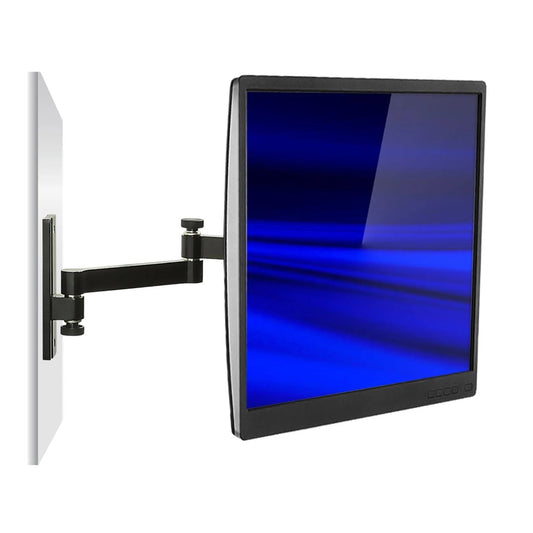
Mount-It! TV Wall Mount Small Full Motion up to 30 In Vesa Extends to 15 In from Wall
Regular price $35.99 CADRegular price -
Mount-It! TV Mount Full Motion High Weight Capacity up to 65In 110lbs Swivel & Extension Ideal for Corner Installations - Black
Regular price $89.99 CADRegular price -
Mount-It! TV Mount Articulating Full Motion Tilt & Swivel up to 55 In up to 88 lbs Heavy Duty Powder Coated Steel - Black
Regular price $53.99 CADRegular price -
Xtech TV Mount Steel Articulating Tilt & Swivel Bracket Displays up to 55In 77lb Load Capacity VESA Curved or Flat - Black
Regular price $48.99 CADRegular price -
Mount-It! TV Wall Mount Full Motion up to 30 In Vesa Swivel Rotate Tilt Single Stud Installation Pivoting Knobs for Easy Adjustments Heavy Duty Steel
Regular price $53.99 CADRegular price -
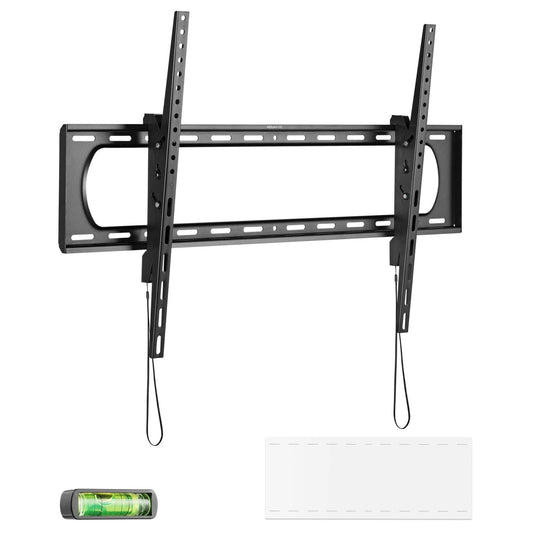
Mount-It! TV Mount Heavy Duty Super Strength Up to 80 In up to 175 lbs Tilt Integrated Level High Strength Steel Openings for Cable Management - Black
Regular price $53.99 CADRegular price -
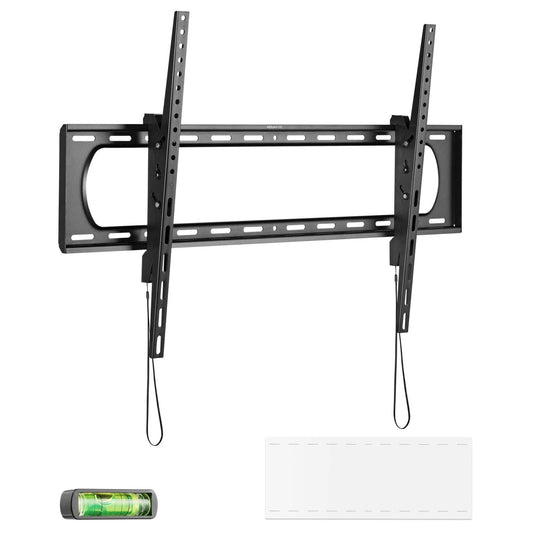
Mount-It! TV Mount Heavy Duty Super Strength 40-80 In up to 220 lbs Tilt Integrated Level High Strength Steel - Black
Regular price $59.99 CADRegular price$32.98 CADSale price $59.99 CAD -
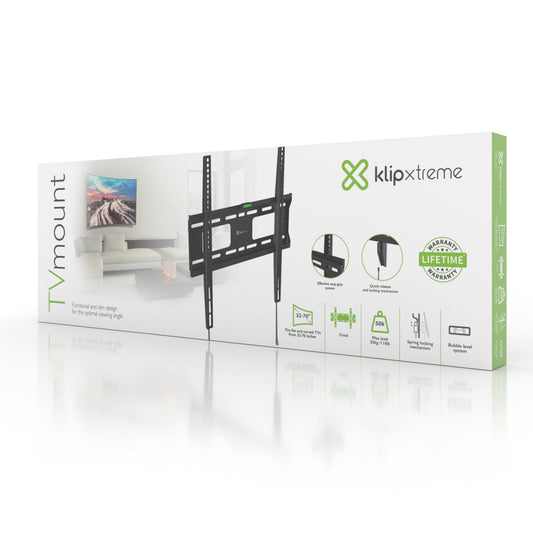
Klipxtreme TV Mount Fixed 32 - 70In Flat or Curved TV Max 110lbs Built in Leveler Spring Locking Mechanism - Black
Regular price $37.99 CADRegular price







How to choose a TV wall mount
1. Check your TV's VESA pattern and weight. The VESA pattern is the spacing of the four screw holes on the back of your TV (for example 200 x 200 or 400 x 400 mm). It's listed in your TV's manual or spec sheet. Pick a mount whose VESA range and weight capacity both cover your TV. Our mounts range from compact 30" models to heavy-duty mounts rated for 175 to 220 lbs.
2. Decide how much movement you need.
- Fixed mounts hold the TV close to the wall for a clean, low-profile look.
- Tilting mounts angle the screen down, which cuts glare when the TV hangs above eye level, such as over a fireplace.
- Full-motion (articulating) mounts tilt, swivel and extend out from the wall, which is ideal for corners, open-concept rooms and viewing from more than one seat.
- RV and trailer mounts add a lockable arm so the TV stays put on the road.
3. Plan the installation. Mount heavier TVs into wood studs or solid masonry, not drywall alone. Many of our mounts include a built-in bubble level, and single-stud models suit smaller screens where stud spacing is tight.
TV mount FAQ
What size TV wall mount do I need?
Match three specs: your screen size, the VESA hole pattern and the TV's weight. A mount rated "32-55 in" will not safely hold a 65" TV, even if the holes line up.
Are full-motion TV mounts safe for large TVs?
Yes, as long as the TV is within the mount's weight rating and the mount is anchored into studs. For 65" and larger screens, choose a heavy-duty full-motion mount with dual arms.
Can I mount a curved TV?
Several mounts in this collection are rated for both flat and curved TVs. Check the product title or description for "curved".